A skills rubric allows you to score individuals on different skills they demonstrate throughout a conversation. Follow this solution to add a skills rubric.
Steps
- Once you have built your conversation, using our conversation builder solution, scroll to the bottom of the builder to Add an assessment.
- Select 'Skills Rubric'
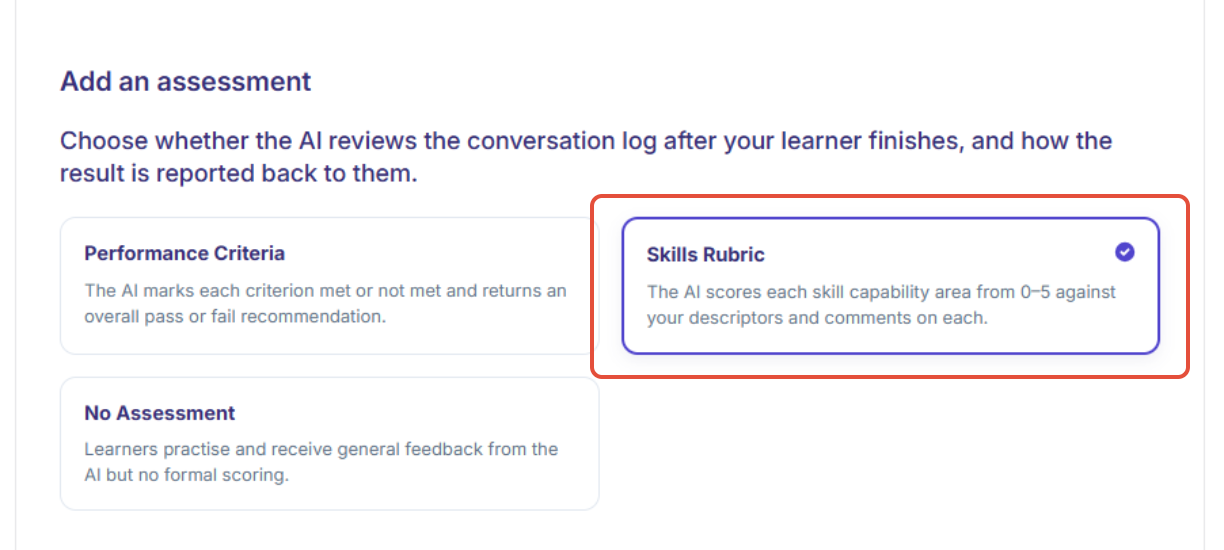
- A dropdown will appear which will allow you to customise your skills rubric:
- You can add different skills by pressing 'Name this skill area'
- You can select 'Add skill area' if you'd like more than 3.
- You can describe what different performance levels would be scored
- Scores between anchors are interpolated by the AI. A 0 means the skill was not demonstrated at all, whereas a 5 means the skill was demonstrated at a high level.
- You can select 'Add tag' which let you report performance by capability across conversations. (NOTE: you must use unique names for each of your tags.)
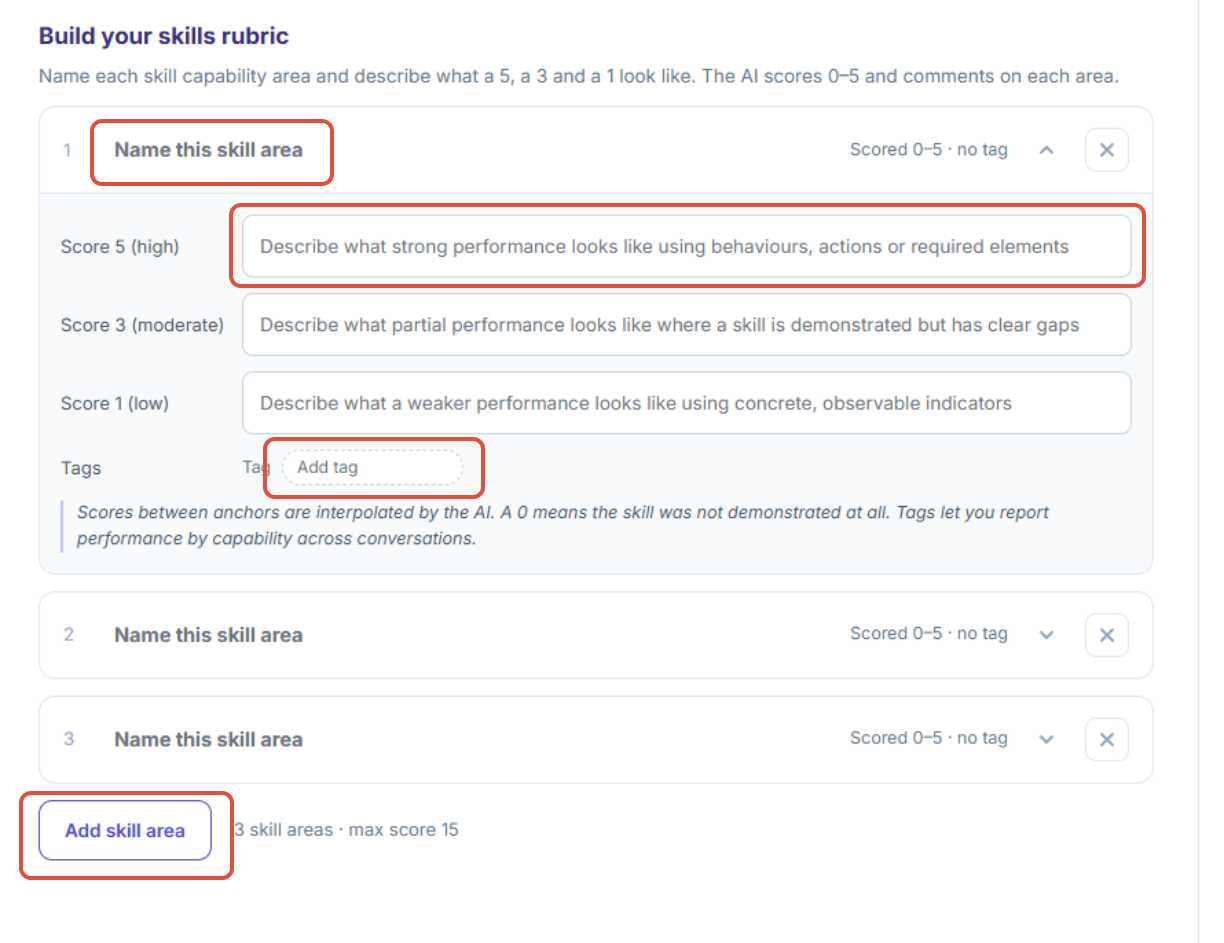
- You can add different skills by pressing 'Name this skill area'
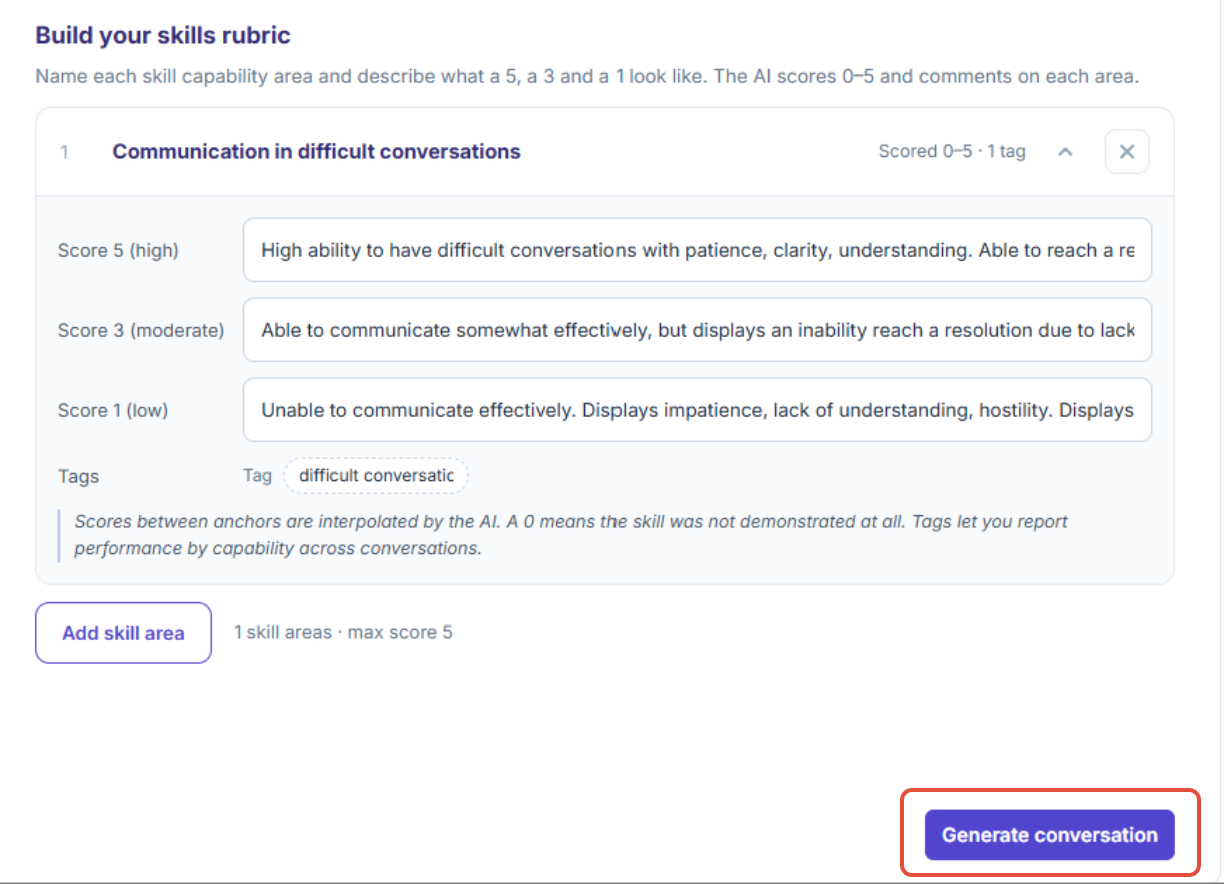
- Once you are happy with your settings, select 'Generate conversation'
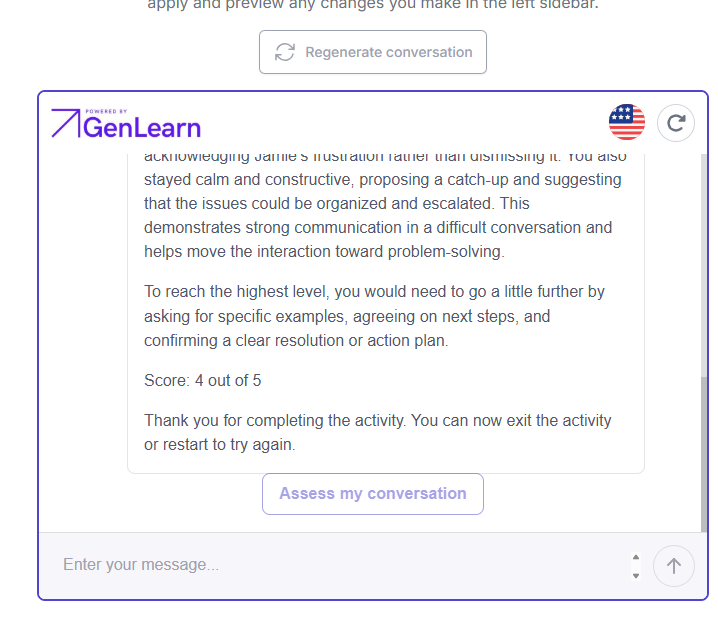
- Once you finish the conversation in the preview, you can select 'assess my conversation'
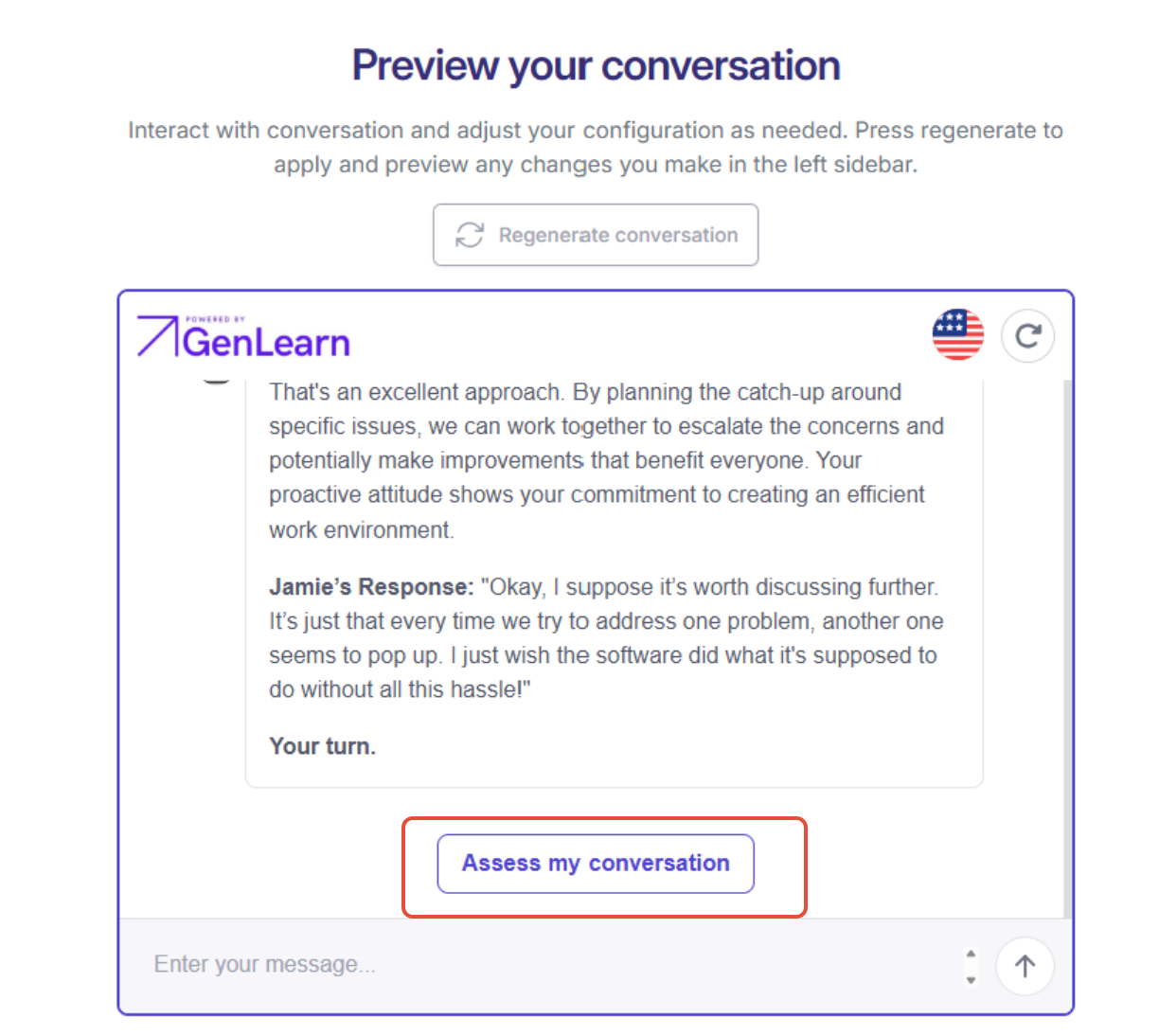
- The AI chatbot will provide a skills report and score your performance based on the skill guidelines you provided it with
Was this article helpful?
That’s Great!
Thank you for your feedback
Sorry! We couldn't be helpful
Thank you for your feedback
Feedback sent
We appreciate your effort and will try to fix the article